
7 Product Photography Examples for E-Commerce Sellers
Explore 7 product photography examples with lighting, styling, editing, and batch workflow tactics for consistent e-commerce images at scale.
You've got hundreds of product photos spread across phone folders, supplier downloads, Shopify, Amazon, and cloud storage. Some have white backgrounds. Others show different crops, color casts, camera heights, and shadows. Fixing one image feels manageable. Fixing two hundred without creating a new mess is the job.
Build the look once, then repeat it. Choose a visual target, lock the lighting and camera position, document the crop and export settings, and process the catalog in batches. Amazon main images need a pure white background, RGB 255,255,255, with the longest side at least 1600 pixels. Etsy needs 2000 pixels on the shortest side. Shopify supports square images up to 4472 x 4472 pixels. Use a master file that can meet those requirements, then create channel-specific exports.
The consistent product photography tips approach is simple: control the setup before you edit. The seven product photography examples below cover lighting, camera or phone choice, styling, editing, quality control, platform preparation, and batch workflow. They also show when a studio, a specialist, or an AI pipeline makes more sense.
1. MerchLoom
MerchLoom fits the seller who already has product photos but needs a repeatable system for turning them into listing assets. You connect existing sources such as Google Drive, Dropbox, Shopify, WooCommerce, Amazon S3, Cloudinary, Cloudflare R2, Backblaze B2, and other storage or commerce systems. Then describe the outcome in plain English, such as “create clean Amazon hero images, square Shopify crops, and lifestyle scenes for the approved products.”
The platform's AI agent builds and runs the chained image pipeline across the collection. That can include background removal, reframing, color correction, upscaling, lifestyle placement, on-model try-ons, and ad creative variations. The important distinction is operational. You're not opening two hundred files and repeating the same edit. You're defining the approved result and applying it across the catalog.
For a white-background example, start with a product photo on a sweep or a reasonably clean source image. Remove the background, set the background to RGB 255,255,255, center the product, preserve its proportions, and export the required marketplace dimensions. For Shopify, use a square canvas. For Etsy, check the shortest side. Keep the original source and the processed output separate so a later crop doesn't overwrite the master.
Make the pipeline inspectable
MerchLoom can order processing steps for efficiency. Its published example says removing backgrounds before upscaling can reduce processing cost by up to 87%, so the practical sequence is to clean the subject before applying an expensive resolution step. That claim comes from the MerchLoom product photo workflow, and it should still be tested against your own catalog and image mix.
Results stream in while a batch runs. Review the first approved outputs before applying the same instructions to every SKU. Check thin straps, transparent packaging, reflective metal, white products, hair, fingers, logos, and printed labels. AI can produce artifacts or alter brand details, so human review remains part of the workflow. It also isn't a full Photoshop replacement for pixel-level compositing or detailed retouching.
Practical rule: Approve one reference product from every difficult category before processing the full catalog.
You can reuse processed outputs as inputs without uploading them again. That makes it practical to create one clean catalog set, then produce square social crops, lifestyle scenes, or product-on-model variations from the approved result. The first images can be tried with no account. Pricing is pay-per-image, credits never expire, and the exact cost is shown before processing starts. There's no subscription requirement, and the platform works across devices and in 10 languages.
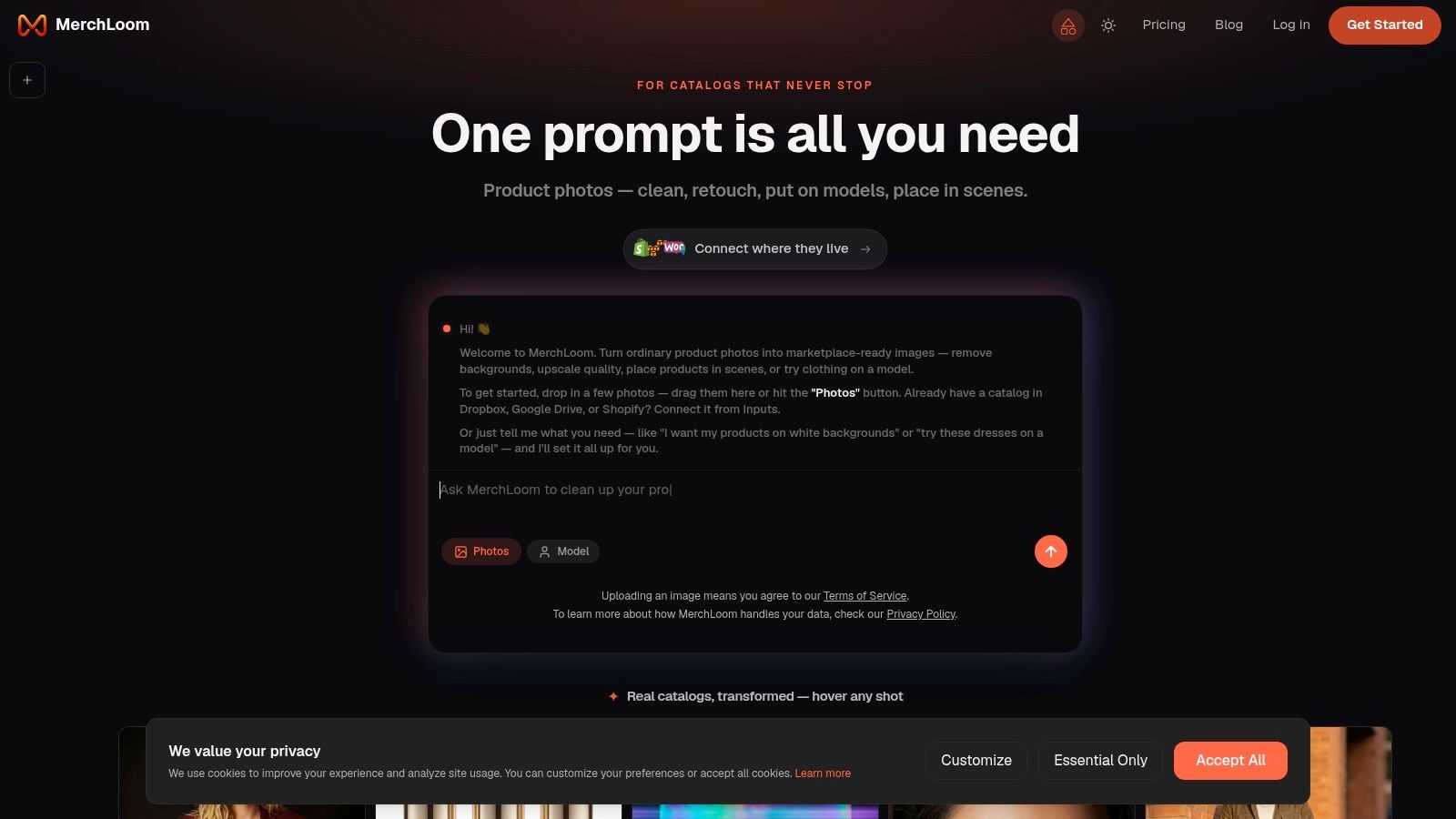
This example works best when your raw images are usable but inconsistent. It won't solve a cracked lens, missing product parts, or an inaccurate source color. Use it for catalog transformation, not as permission to skip capture standards.
2. soona
soona is a practical option when the product itself needs to be photographed, not just processed. Its model combines physical studios in multiple U.S. cities with live, remote-directed shoots. You can send direction from your workspace while the studio handles camera placement, lighting, styling, and capture.
For a repeatable catalog look, prepare a shot list before booking. Define the hero angle, detail angle, packaging frame, and any lifestyle or user-generated-content style asset. Specify the background color, crop, product orientation, prop limits, and required file format. The more fixed those decisions are, the easier it is to compare products across hundreds of listings.
The service offers models, stylists, props, and premium retouching as add-ons. Standard assets can have a 24-hour edit turnaround, which is useful for quick listing tests or a new product drop. Shopify and e-commerce connections can also simplify asset handoff, but you should still name files using your own SKU structure before publishing.
Where it works and where it strains
soona's broad example library helps you compare on-white, lifestyle, and UGC-style directions before committing to a set. Transparent per-asset pricing also makes it easier to scope a standard package. That's useful for a seller who wants a predictable production unit rather than a custom campaign for every product.
The trade-off is creative complexity. Standardized assets are the natural fit. A highly specific set build, unusual location, or campaign with complex art direction may need custom scoping. Physical studio locations are fixed, so on-location work is limited.
For quality control, request one representative product first if the catalog includes different materials or sizes. Inspect white balance, shadow density, label placement, and whether each product occupies a similar percentage of the frame. Once approved, use the same shot list and styling notes for the rest.
The product photoshoot styles for ecommerce distinction matters here. Use clean studio frames for product-page clarity, then add lifestyle or UGC-style images when context helps the shopper understand use, scale, or fit.
3. Squareshot
Squareshot is built around standardized e-commerce photography and mail-in logistics. That makes it suitable for a seller who wants a consistent studio treatment across a large catalog without building a permanent set at home.
Send a representative group of products first, especially if your inventory includes glass, jewelry, apparel, food packaging, or reflective surfaces. Give the studio a written specification for camera height, product orientation, background treatment, shadow style, crop, and the number of required views. A portfolio can show what a style looks like, but your written shot list determines whether it survives catalog repetition.
Build a reference set
The service's portfolio includes on-white, styled, and on-model examples. Use those examples as visual benchmarks, then choose one approved reference image for each product family. A black handbag, a white ceramic mug, and a stainless-steel bottle won't behave the same way under identical lighting, so a single reference may not cover every category.
Squareshot's multi-city footprint and mail-in workflow are useful when products can't be photographed in your workspace. Membership and enterprise options may lower the per-image rate at volume, but exact pricing is quote-based. Ask what is included in the standard set, what counts as a retouching revision, and how files are delivered.
The studio is strongest for repeatable PDP images and familiar marketplace formats. A campaign-level concept with elaborate props, location work, or unusual set construction may require additional scoping outside the standard workflow.
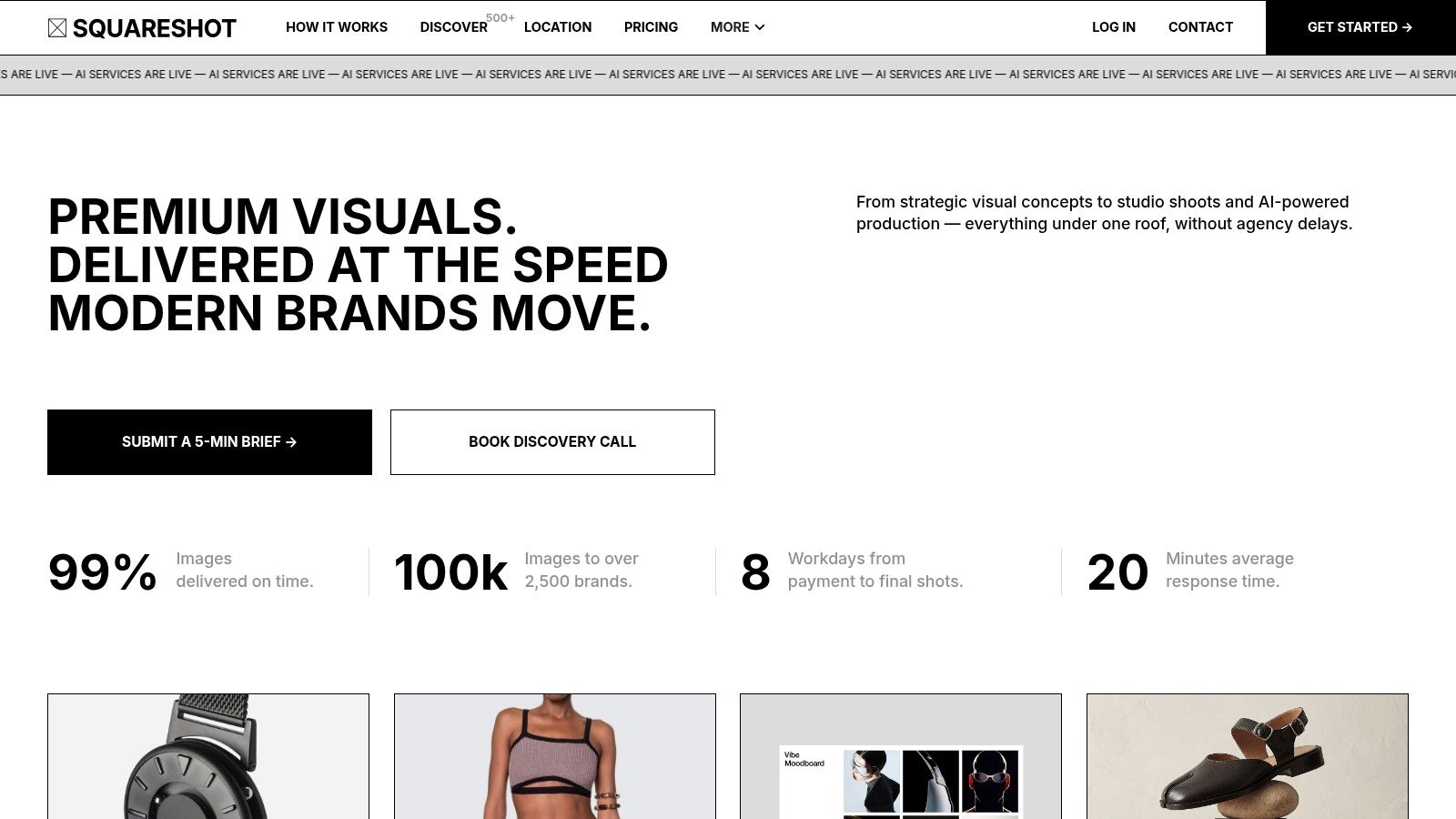
For hundreds of SKUs, inspect the first batch for framing drift. Products should sit at a predictable height in the canvas, and the left and right margins should feel consistent across collection grids. Export channel versions after approval instead of asking the studio to improvise a different crop for every marketplace.
4. Products On White Photography
Products On White Photography, often shortened to POW, specializes in clean on-white product images for product pages and marketplaces. This is the most direct choice in the list when the required visual is a straightforward catalog hero shot rather than a lifestyle campaign.
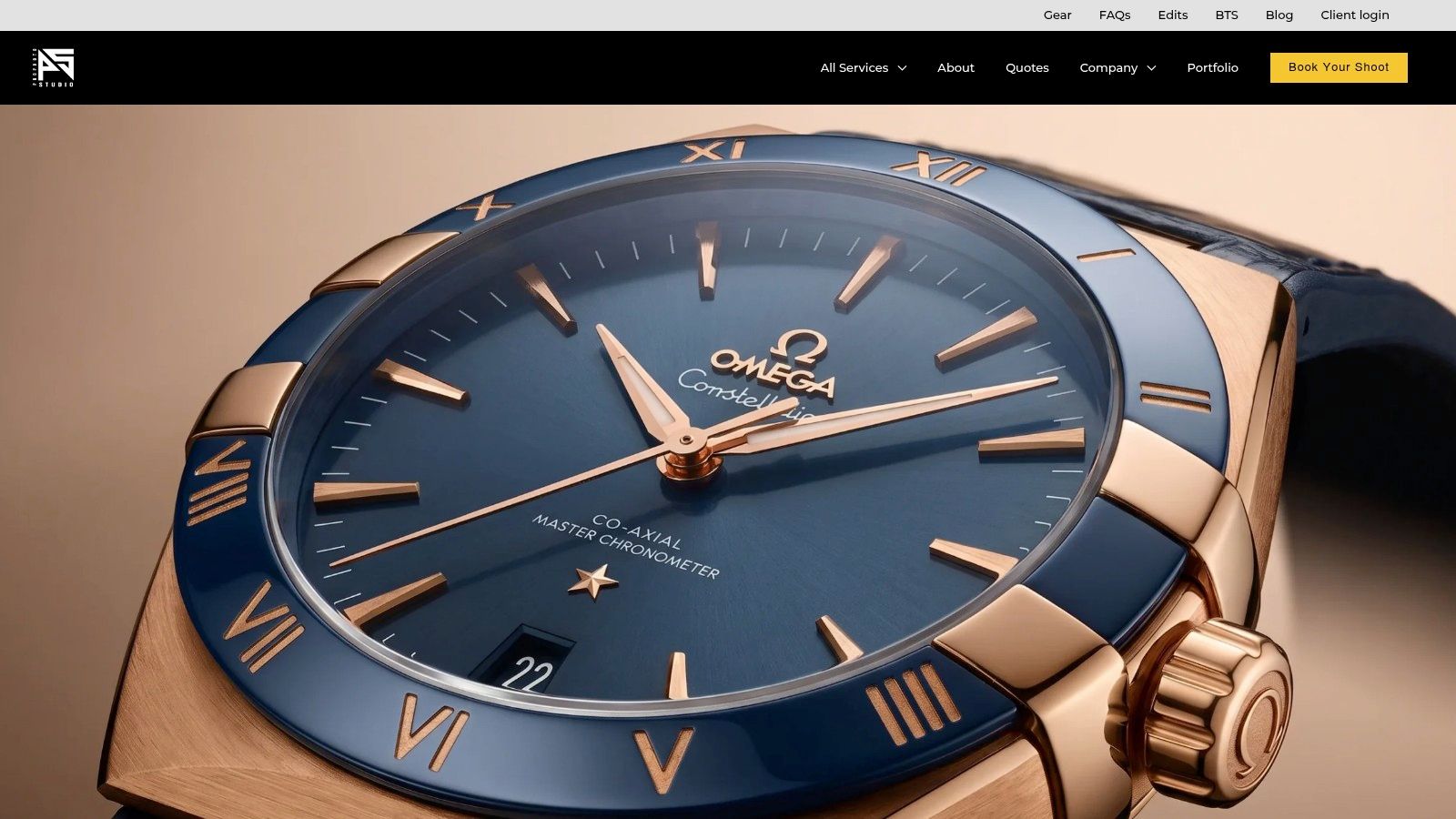
The capture setup is simple. Use a tripod-mounted camera or a phone fixed at one height, a white sweep, and large diffused light sources placed to reveal shape without creating hard edges. Keep the product orientation consistent. For bottles, decide whether the label faces directly forward. For shoes, decide whether every pair uses the same three-quarter angle. For boxed goods, document the front, side, and top views.
Amazon's main image rule requires pure white RGB 255,255,255. The Amazon product image requirements also state that images below 500 pixels on the longest side can't be uploaded, while 1,000 or more pixels enables zoom and is recommended for the customer experience. The practical batch rule is to normalize the background and export size before upload, then inspect the edges at full resolution.
A narrow brief can be an advantage
POW's specialization keeps the output focused. Published pricing tiers and an extensive archive of on-white examples make it easier to understand the deliverable before sending products. That can be more useful than a broad creative portfolio when your immediate need is a compliant PDP set.
The limitation is equally clear. You'll get fewer lifestyle and location examples than from a hybrid studio. Complex creative direction, elaborate sets, or campaign video usually belongs with a different provider.
Use a file naming pattern such as SKU-angle-view, and keep one approved crop rule for the entire product family. The images with a white background workflow is especially effective when the seller treats the white hero image as a controlled catalog asset, not a quick background removal.
Doing this for a whole catalog?
MerchLoom runs background removal, upscaling and AI editing across every product photo you have — one prompt, whole batch.
Try MerchLoomFor additional capture guidance, see how to take photos for an online store. Keep creative images in separate folders so they don't replace the marketplace hero file.
5. Pro Photo Studio
Pro Photo Studio makes sense when a catalog needs more than one static format. Its portfolio and service mix cover on-white images, lifestyle and hero frames, 360-degree spins, beauty and jewelry photography, and short-form product video.
The right way to use a broad service is to divide the brief by funnel job. The on-white image answers, “What exactly am I buying?” The lifestyle frame answers, “Where does it fit?” A close detail handles texture, finish, or construction. A 360 spin helps the shopper inspect shape from multiple directions. Short-form video demonstrates movement, application, or packaging.
For a 360 workflow, the product must remain centered and stable while the camera and lighting stay fixed. Don't mix different backgrounds or exposure levels between frames. For jewelry and beauty, record a color reference and specify whether the finish should look glossy, matte, sheer, or reflective. Small color differences can change how shoppers judge a shade or metal finish.
Choose formats by product risk
Industry data links richer visual formats with measurable purchase behavior. A 2026 roundup reports that 360-degree product images can lift brand conversion rates by 22%, so a 360 asset may justify its production effort for products where shape and finish matter. The figure is from product photography statistics, and it shouldn't be treated as a reason to add 360 views to every SKU automatically.
Pro Photo Studio offers nationwide mail-in service with a quoting workflow. Pricing depends on product complexity, and on-location shoots require separate scoping and travel. That makes it more suitable for a planned asset system than an emergency fix for a few missing photos.
Use product studio lighting as a production reference when documenting the setup. Keep the lighting diagram, camera height, lens choice, and retouching notes with the SKU brief so the next batch doesn't drift.
6. Image Factory West
Image Factory West separates its work into clear visual categories, including white-background PDP sets, styled lifestyle images, and AI-assisted composites. That separation helps a busy seller decide whether an asset is meant to clarify the product, establish a use context, or create a campaign scene.
For the white-background set, use consistent lighting and color across the product family. For lifestyle work, lock the camera angle and reserve a defined area for the product. The scene should support the item without hiding its shape, changing its color, or adding an impossible use detail. AI-assisted composites can create a room, shelf, or styled setting, but the product itself must remain faithful to the source.
Keep composites under review
The service publishes turnaround and usage-rights notes, along with online packages and example pricing. Those details reduce uncertainty when you're planning a catalog run. Confirm that the rights cover every intended channel, especially paid ads, marketplaces, email, and partner distribution.
The main limitation is that on-site or location shoots aren't the core offering. Mail-in studio work is the better fit. AI-assisted scenes also need careful art direction. A scene can be technically polished and still be wrong for the brand, product scale, season, or customer expectation.
A practical batch workflow starts with three approved templates: pure white hero, neutral contextual scene, and branded campaign composite. Apply each template only to products that fit it. Don't force a sofa into a tiny room scene or place a small cosmetic item in a lifestyle frame where it disappears.
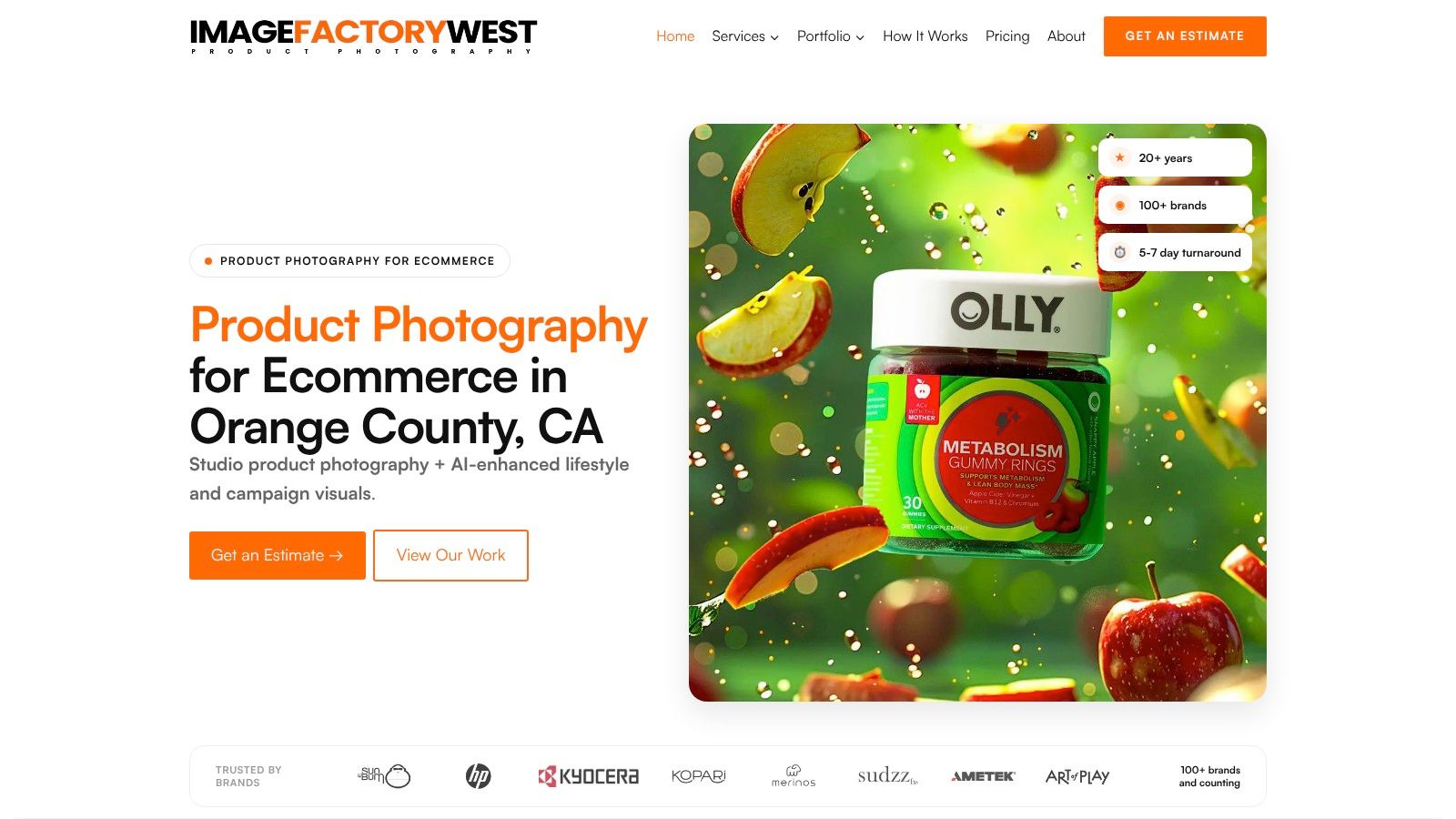
The product photo automation approach can help reproduce approved scene rules across a collection. Still, inspect edges, shadows, logos, product proportions, and color before publishing. AI-generated context is an assistant to production control, not a substitute for it.
7. Three Sixty Plus
Three Sixty Plus is heavily focused on e-commerce and Amazon content. Its work combines white-background images, lifestyle photography, infographics, and A+ content, which suits a seller who needs both product visuals and explanatory listing graphics.
Start with the Amazon hero image, then build the supporting set around buyer questions. Use one frame for the product in context, one for a feature detail, and one graphic for information that's difficult to communicate through photography alone. For furniture, that might mean a room scene plus a dimensional graphic. For a kitchen tool, it might mean a use image plus a labeled feature panel.
Make the Amazon brief modular
A mail-in workflow with volume options works well when products can be shipped in standardized groups. Global coverage also helps remote sellers coordinate production without bringing a photographer into the business. Published entry pricing and volume discounts provide a starting point, but very low per-image quotes generally assume high volume and standardized setups.
The Amazon orientation is both the strength and the constraint. If your catalog needs polished editorial campaigns, niche brand storytelling, or location-specific creative, you may need a separate studio brief. For Amazon sellers, however, the example-rich portfolio makes category benchmarking easier.
Keep infographic text outside the main product image when marketplace rules require a clean hero. Use the same fonts, icon treatment, product scale, and background colors across A+ modules. A batch is only consistent if the graphics follow the same rules as the photographs.
Top 7 Product Photography Services Comparison
| Provider | Complexity 🔄 | Resources & Cost ⚡ | Outcomes 📊 ⭐ | Ideal use cases 💡 | Key advantages ⭐ |
|---|---|---|---|---|---|
| MerchLoom | 🔄 Low–Moderate, AI agent builds pipelines, minimal manual steps | ⚡ Pay-per-image; integrations reduce reuploads and processing cost (claims up to 87% savings) | 📊 Consistent, marketplace-ready images (background removal, upscaling, lifestyle, on-model) | DTC brands, marketplace sellers, agencies, developers with large catalogs | ⭐ Automation + deep integrations, batch-first, real-time QA and reusable outputs |
| soona | 🔄 Low, studio-managed or live remote-directed shoots | ⚡ Per-asset pricing; add-ons (models, stylists); fast 24‑hour edit options | 📊 High-quality PDP and lifestyle imagery with standardized looks | Brands needing fast turnaround, tests, UGC/lifestyle add-ons | ⭐ Transparent pricing, live direction, quick standardized delivery |
| Squareshot | 🔄 Low, mail-in network with standardized specs | ⚡ Membership/enterprise options for lower per-image rates at volume (pricing often gated) | 📊 Consistent, marketplace-compliant PDP images across large catalogs | High-volume SKU catalogs and sellers needing consistent catalog imagery | ⭐ Deep portfolio, Shopify recognition, repeatable ecommerce workflows |
| Products On White (POW) | 🔄 Very Low, narrow, focused mail-in workflow | ⚡ Clear published pricing tiers; simple, predictable resource needs | 📊 Clean, Amazon/Shopify-compliant on-white product photos | Sellers needing straightforward on-white PDP assets at scale | ⭐ Transparent pricing and deliverables; highly consistent on-white specialization |
| Pro Photo Studio | 🔄 Moderate–High, full-service photo + video offerings, quoting workflow | ⚡ Quote-based pricing; broader service set (360, video) increases resource requirements | 📊 Wide asset mix (on-white, lifestyle, 360, short-form video) | Brands that need integrated photo + video, specialty verticals (jewelry/beauty) | ⭐ End-to-end photo+video capability, broad portfolio, external reputation signals |
| Image Factory West | 🔄 Low–Moderate, mail-in with AI-assisted composites | ⚡ Published packages and pricing; turnaround and usage-rights clearly stated | 📊 Separated deliverables: on-white, styled lifestyle, and AI composites | Brands seeking clear benchmarking and AI-assisted lifestyle composites | ⭐ Clear example categorization, transparent turnaround and usage terms |
| Three Sixty Plus | 🔄 Low–Moderate, mail-in with Amazon/A+ focus | ⚡ Entry pricing published with volume discounts; global coverage for remote sellers | 📊 Amazon-ready PDP, A+ content, and integrated graphics/infographics | Sellers optimizing Amazon listings and A+ modules at scale | ⭐ Amazon-focused portfolio, published entry pricing and volume options |
Turn Seven Looks Into One Catalog System
The seven examples point to four practical decisions. Use on-white imagery when marketplace clarity and product recognition come first. Use lifestyle scenes when the buyer needs context, scale, or a clear use case. Use on-model imagery for apparel, accessories, eyewear, and products where fit or wear changes the decision. Use graphics and composites when the listing needs an explanation that a plain photograph can't provide.
Don't assume every SKU needs every format. A catalog system should assign assets by product risk. Transparent packaging needs edge and label inspection. Apparel needs fit and drape consistency. Furniture needs scale and room context. A small accessory may need a clean hero, a close-up, and an on-person frame, while a simple replacement part may only need accurate angles and dimensions.
Image quantity also needs control. Industry research summaries report that listings with 7 or more images convert at 2.4 times the rate of single-image listings, while another synthesis found that moving from 1 to 5 images delivered most of the gain, at +36% conversion, with performance typically plateauing around 8 to 9 images. These figures appear in e-commerce product photography statistics and product image conversion research. Treat them as directional evidence for building a useful image set, not as a reason to fill every gallery with repetitive views.
Use a repeatable approval sequence
Capture one reference frame for each product family. Lock the camera height, focal length or phone position, lighting direction, exposure, and background. Define the crop, margin, shadow, color, file naming, and platform export rules. Then run a small test batch before processing the entire collection.
Check the test files at full size and in the actual marketplace interface. Inspect product edges, transparent areas, reflections, text, colors, and missing details. For Etsy, confirm that the shortest side reaches 2000 pixels and use a consistent 1:1 or 4:3 crop. For Shopify, use a square master up to 4472 x 4472 pixels. For Amazon, verify the pure white background and the longest-side requirement before upload.
Quality control starts with the reference file, not the final upload.
Shoppers often begin with images rather than descriptions. Industry summaries report that 56% first explore product images before reading text, and 67% say image quality is very important in online buying decisions. Those figures are reported in the product photography statistics overview, which also notes that many fashion e-commerce brands use more than one photography style but don't apply those styles consistently. The operational lesson is clear. Variation helps only when the catalog still feels controlled.
After the test passes, scale the approved workflow. Keep original files, approved masters, channel exports, and rejected outputs in separate locations. Record the reason for every rejection, such as incorrect color, weak masking, inconsistent crop, or an inaccurate generated scene. That record improves the next batch and gives another person enough information to repeat the process.
MerchLoom can run these chained AI pipelines across a full collection instead of one image at a time. It supports human review, lets you try the first images without an account, and uses pay-per-image credits that never expire. It's useful for background removal, reframing, resizing, color correction, lifestyle variations, and other repeatable tasks, but it isn't a full Photoshop replacement. Keep manual review for brand-critical images, unusual products, and any visual that could misrepresent what the customer receives.
Use MerchLoom to import your existing product photos, describe the approved look, and run chained AI image workflows across your collection. Try the first images without an account, review the outputs, and use pay-per-image credits that never expire to prepare consistent product photography examples for your store and marketplaces.
Stop editing product photos one at a time
Upload your catalog or connect your store. Describe the result once. MerchLoom does the rest.
Try MerchLoom